3D TYPOGRAPHY
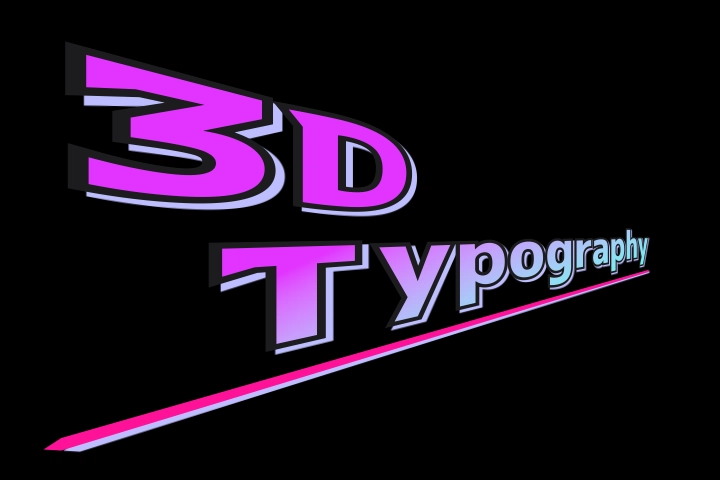
Pseudo-3D that brings out depth
Tilt the entire text as a plane, or place individual characters and parts at different depths. Combine them with the dedicated camera and perspective controls to create dimensional typography while retaining the feel of a 2D workflow.
- Camera controls in the viewer
- Character and part depth
- Works with existing effects
How to Use
- Place Mug Typography 3D, Mug Typography Lite (3D), or Mug Typography Scripting for a Lua-first workflow from the Effects Library.
- Set Selection Mode to
Camera. - Orbit the camera using the Orbit handle in the viewer, or WinAltMacOption + drag an empty area.
- Adjust perspective with Perspective Strength and on-screen size with Camera Zoom.
- Refine the composition with the Target Pad or Lens Shift as needed.
TIP
Use Lens Shift to reposition the shot without changing perspective Moving Position at the Global, Character, or Part level changes the angle to the camera and alters the perspective distortion. To shift where the text sits in the frame while keeping the exact same 3D perspective, use Lens Shift in Camera Settings instead.
3D-Capable Presets
| Preset | Maximum Characters | Individual Settings | Best For |
|---|---|---|---|
| Mug Typography 3D | 30 | Up to 84 parts | Dimensional compositions with depth for individual parts |
| Mug Typography Lite (3D) | 45 | None | Character-level 3D and longer text |
| Mug Typography Scripting | 512 | Controlled from Lua | Scripted control of characters, parts, and the camera |
3D and Lite (3D) use limits based on the standard Mid preset. Lite (3D) omits Part Settings and can render up to 1,024 parts, but does not let you edit Z Offset for individual parts. Scripting omits Character and Part Settings and can control the 3D position and orientation of up to 1,024 parts from Lua.
TIP
You can change the maximum character and part limits with maxCharacters / maxParts in preferences.json. See Customizing Preferences (preferences.json) in the appendix for instructions. The Scripting preset has fixed limits of 512 characters and 1,024 parts.
Creating Depth at Three Levels
| Level | 3D-Specific Parameters | Purpose |
|---|---|---|
| Global | Global Yaw / Global Pitch | Tilts the plane of the entire text |
| Character | Z Offset / Yaw / Pitch | Changes the depth and orientation of each character |
| Part | Z Offset | Separates dots, strokes, and other parts forward or backward |
| Camera | Target / Yaw / Pitch / Perspective / Zoom / Lens Shift | Determines the viewing position and projection of the scene |
TIP
A straightforward workflow is to set the overall orientation with Global Yaw/Pitch, create front-to-back variation with character Z Offset, and adjust the camera last.
Differences from the 2D Presets
Unavailable Settings
In 3D presets, Stretch is not displayed and cannot be used in Character Settings or Part Settings. Stretch remains available in Global Settings.
NOTE
Crayon fill can still be used in 3D presets, but the scribble pattern changes every time you move the camera or the characters/parts.
Additional 3D Settings
| Settings | Added Parameters |
|---|---|
| Character Settings | Z Offset / Yaw / Pitch |
| Part Settings | Z Offset |
Position, Pivot, Scale, Rotation, colors, strokes, and other styling settings work the same way as in 2D presets. Gradients, shadows, bounding boxes, deformations, morphs, and Write On also follow the 3D-projected shapes.
TIP
On the Copy / Paste page, you can select Z Offset and per-character Yaw / Pitch individually when pasting.
Viewer Controls
When Selection Mode is Global, Character, or Part, the viewer shows the text flat-on before the camera angle is applied, and moving, rotating, or scaling works on that flat 2D plane. That way you can lay out characters and parts just like in a 2D preset without fighting camera tilt or perspective.
Switch Selection Mode to Camera whenever you want to preview and frame the final 3D camera view.